
Revolutionizing Web Efficiency: A Deep Dive into DataURL.link
In the fast-paced realm of web development, optimizing page load speeds and streamlining asset management are perennial priorities for engineers and designers alike. Every millisecond counts, and the architecture of how a webpage fetches its resources—images, fonts, stylesheets, and scripts—can make or break the user experience. Among the myriad optimization techniques available today, one of the most elegant and frequently underutilized is the Data URL. At the forefront of making this technology accessible and user-friendly is DataURL.link, a dedicated platform designed to seamlessly convert files into embedded Data URLs and generate ready-to-use HTML code.
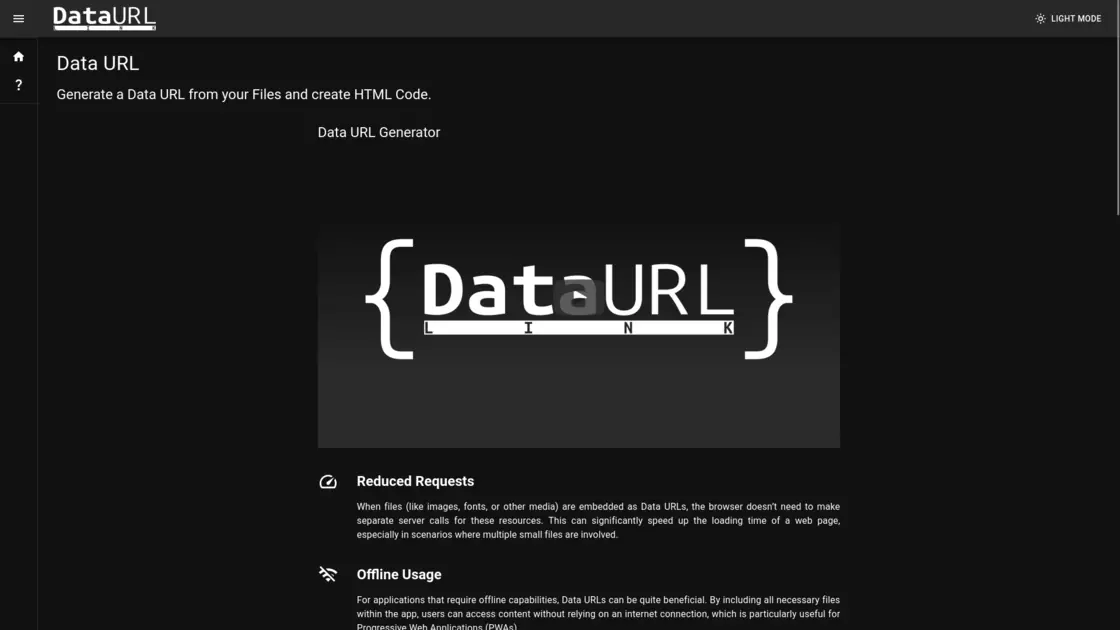
In this comprehensive guide, we will explore the mechanics of Data URLs, dissect the features and benefits of DataURL.link, and examine how incorporating this tool into your workflow can dramatically enhance your web projects, email campaigns, and offline applications.
Understanding the Mechanics of a Data URL
Before diving into the specifics of DataURL.link, it is essential to
understand what a Data URL actually is. Traditionally, when a browser
loads a webpage, it encounters various HTML tags (like
<img> or <link>) that contain file
paths or web addresses pointing to external resources. For each of these
external links, the browser must initiate a separate HTTP request to the
server, wait for the response, and download the file. If a page has
dozens of small icons, fonts, or thumbnail images, these accumulated
HTTP requests can cause significant latency, often referred to as a
“waterfall” effect in network performance.
A Data URL (Uniform Resource Identifier scheme) circumvents this process by embedding the actual data of the file directly within the HTML or CSS document. By converting the file into a Base64-encoded string, the resource is loaded synchronously with the code itself. The browser no longer needs to reach out to a server to fetch the image or font; the data is already there, ready to be rendered instantly.
While manual conversion of files into Base64 strings is tedious and error-prone, DataURL.link automates the entire process, providing an intuitive, drag-and-drop interface that transforms your files into usable code in mere seconds.
The Core Features of DataURL.link
DataURL.link distinguishes itself through its absolute commitment to simplicity and utility. When you visit the site, you are not bombarded with unnecessary ads or complex navigation menus. Instead, the user interface is remarkably clean, featuring a highly visible “Drop Zone” that immediately directs your attention to the core functionality.
1. Intuitive Drag-and-Drop Interface The primary interaction on DataURL.link revolves around its drag-and-drop file upload system. Users can simply select a file from their local machine and drag it into the designated drop zone. The platform instantly processes the file within your browser, generating the corresponding Data URL alongside formatted HTML code that can be copied and pasted directly into your project.
2. Instant HTML Code Generation DataURL.link goes a
step beyond simply providing the raw Base64 string. It automatically
wraps the generated Data URL in the appropriate HTML tags (such as an
<img> tag for pictures), saving developers the extra
step of formatting the code manually. This plug-and-play approach
dramatically speeds up the development process, allowing creators to
remain in a state of flow rather than context-switching to write
boilerplate code.
3. Dark Mode Support Understanding the preferences of modern developers, DataURL.link includes a native Dark Mode toggle. This reduces eye strain during late-night coding sessions and ensures the tool integrates comfortably into the typical developer’s workstation environment without blinding them with bright white backgrounds.
4. Multilingual Accessibility Accessibility is a global concern, and DataURL.link caters to an international audience by offering its interface in multiple languages, including English, German, Spanish, French, Italian, Portuguese, and Japanese. This ensures that a wider demographic of developers can utilize the tool natively.
Major Benefits of Using DataURL.link
The advantages of utilizing DataURL.link extend far beyond simple convenience. Integrating embedded resources into your digital infrastructure can yield profound benefits across several key technical domains.
Drastically Reduced HTTP Requests As previously mentioned, the primary advantage of generating Data URLs is the reduction of server requests. By taking small, frequently used files—such as site logos, navigation icons, or custom fonts—and embedding them directly into your CSS or HTML via DataURL.link, you relieve your server of unnecessary burden. This can significantly speed up the initial rendering of a web page, which is a critical factor in both user retention and Search Engine Optimization (SEO). Search engines heavily penalize slow-loading sites, making DataURL.link a valuable asset in your performance optimization toolkit.
Empowering Offline Usage and PWAs Progressive Web Applications (PWAs) represent the future of mobile and desktop web browsing, offering an app-like experience directly within the browser. One of the defining characteristics of a PWA is its ability to function offline or in low-network conditions. Data URLs are instrumental in this regard. By using DataURL.link to convert critical visual assets and scripts into inline data, developers can ensure that the core components of their application are bundled within the initial payload. Users can access content without relying on an active internet connection, providing a seamless and uninterrupted experience.
Bulletproof Email Marketing Campaigns Email rendering is notoriously finicky. Different email clients handle external resources differently, and many block external images by default to protect user privacy. When you rely on external image hosting for your email newsletters or signatures, you risk your recipients seeing a broken layout with empty image boxes. By using DataURL.link to embed images directly into the HTML of the email, you eliminate this external dependency entirely. The visual information is contained within the email’s code itself, guaranteeing that your carefully crafted marketing message will display exactly as intended, regardless of the recipient’s default image-loading settings.
Best Practices, Limitations, and Use Cases
While DataURL.link is incredibly powerful, it is crucial to understand its optimal use cases and limitations to avoid performance degradation.
The Golden Rule: File Size Matters The most critical caveat when dealing with Data URLs is file size. Base64 encoding generally increases the physical size of a file by roughly 33%. Therefore, while you save on the HTTP request overhead, you are increasing the overall size of your HTML or CSS document. The developers behind DataURL.link explicitly warn against uploading massive files, noting that attempting to process files that are too large will literally crash your web browser due to memory limits.
DataURL.link is best reserved for files under a few megabytes. Ideal candidates include:
- Small CSS and JavaScript files specific to a single landing page.
- Logos, thumbnails, and SVG icons used globally across a site.
- Custom UI elements like loading spinners or interface toggles.
Image Formatting Recommendations To maximize the efficiency of your Data URLs, the format of your original file is paramount. DataURL.link recommends using modern, highly compressed image formats where the file size hovers around a few hundred kilobytes. Formats like WebP or AVIF are heavily favored over traditional JPEGs or PNGs. The platform even suggests companion tools, such as webpconverter.app or avifconverter.app, to optimize your images before generating the Data URL. While AVIF offers superior compression algorithms, WebP currently boasts broader backward compatibility across older browsers, making it the safer choice for general web audiences.
Handling Video and Animation Surprisingly, Data URLs
generated by DataURL.link are not restricted entirely to static images
or text files. They can also be utilized for modern HTML5 video
elements. By placing a Data URL directly into the source
attribute of a <video> tag, or using it for the
poster attribute (the placeholder image shown before a
video plays), developers can embed short, lightweight animations
directly into their pages. However, the file size rule applies doubly
here. Only micro-video clips of a few megabytes should be embedded this
way. For formatting such clips, tools like webmconverter.app or
mp4converter.app are directly recommended by the platform’s
documentation.
Conclusion
In the continuous quest for an optimized, resilient, and lightning-fast internet, developers need tools that are straightforward, reliable, and effective without adding unnecessary bloat to their workflows. DataURL.link checks all these boxes perfectly. By providing an effortless, client-side mechanism to convert small files into embedded Data URLs, the platform empowers creators to minimize network requests, build robust offline applications, and design unbreakable email campaigns.
Whether you are a seasoned front-end engineer looking to shave crucial milliseconds off your page load times, or a digital marketer seeking to ensure your newsletters render flawlessly in every inbox, DataURL.link serves as an indispensable utility in the modern digital workspace. By understanding the delicate balance between HTTP request reduction and document size inflation, you can leverage this simple yet incredibly powerful tool to elevate the performance and reliability of your web projects to new heights.