
Mastering WEBMConverter.app
This article provides a comprehensive overview of https://webmconverter.app, exploring its core features, the technical advantages of the WebM media format, and how this free online tool streamlines the video conversion process for creators, web developers, and everyday users. We will delve into the specific video and audio codecs supported by the platform, such as VP8, VP9, Opus, and Vorbis, and examine why WebM has become a vital standard for modern web video delivery. Whether you are looking to drastically reduce video file sizes without sacrificing visual quality or seeking a reliable, open-source alternative to proprietary multimedia formats, this guide covers everything you need to know about optimizing your digital media using this accessible web application.
The digital landscape is heavily reliant on video content. From social media feeds and streaming platforms to corporate presentations and educational portals, video is the undisputed king of online engagement. However, delivering high-quality video seamlessly across diverse devices and varying internet connection speeds presents a significant technical challenge. Large video files can lead to excruciatingly slow loading times, excessive bandwidth consumption, and frustrating buffering interruptions for the end-user. To solve these widespread issues, developers and content creators constantly seek highly efficient video formats and accessible tools to compress their media. This is where dedicated platforms designed specifically for modern web standards become invaluable resources for anyone working with digital media.
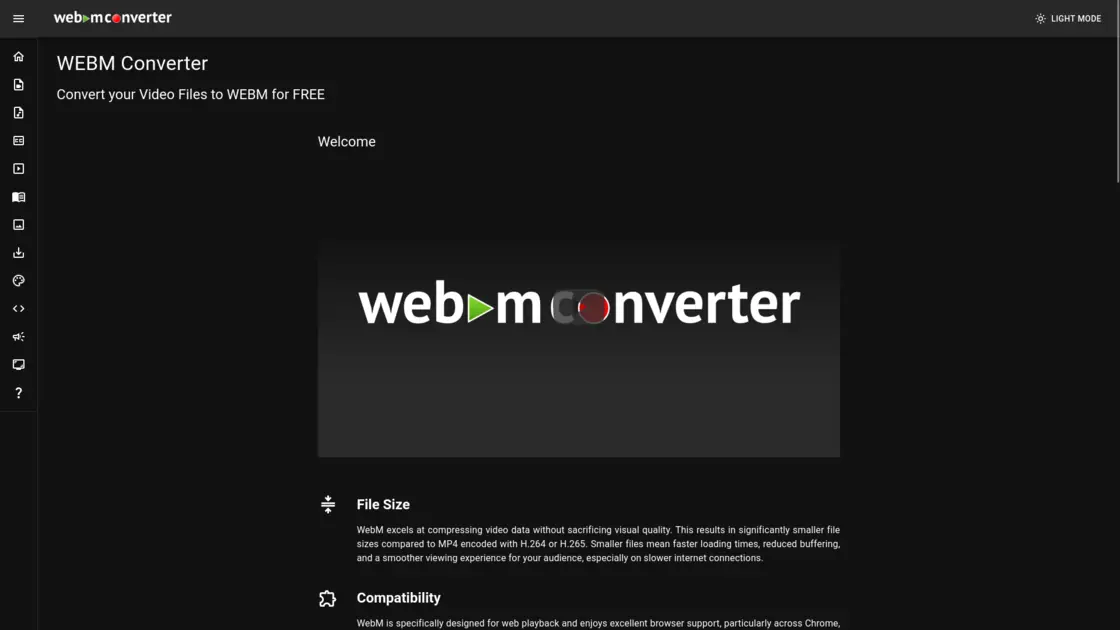
WEBMConverter.app is a specialized, free online utility designed to convert a wide variety of video file formats into the highly optimized WebM format. With a dark-mode friendly, intuitive user interface, the application removes the complexity typically associated with video encoding. Users do not need to download cumbersome desktop software or navigate incredibly confusing command-line interfaces. Instead, the platform offers a streamlined, browser-based experience that caters to both novices and experienced video editors. By focusing entirely on the WebM format, the application positions itself as a specialized tool for web optimization, ensuring that the resulting files are perfectly tailored for internet playback. Furthermore, the platform offers additional utilities such as audio converters, subtitle managers, slideshow makers, and thumbnail extractors, making it a multifaceted suite for media manipulation, though its flagship feature remains its robust WebM conversion engine.
The WebM format itself is the primary reason why a tool like WEBMConverter.app is so crucial for modern digital workflows. WebM excels at compressing video data without sacrificing visual quality. This results in significantly smaller file sizes when compared to older, more traditional formats like MP4 encoded with H.264 or H.265. Smaller files inherently mean faster loading times, which is a critical metric for website performance and user retention. Reduced file sizes also translate to less buffering, ensuring a much smoother viewing experience for audiences, particularly those accessing content on mobile networks or slower broadband connections.
Compatibility is another major pillar of the WebM format's success. WebM was specifically designed for web playback from its inception. It enjoys excellent, widespread browser support, operating flawlessly across major platforms like Google Chrome, Mozilla Firefox, and Opera. Its native integration with the HTML5 video tag makes embedding and playing WebM videos seamlessly easy within websites and web applications. This out-of-the-box compatibility ensures that your video content is immediately accessible to a vast range of users without requiring them to download or install any external third-party plugins, which can often be a security risk or a barrier to entry.
When using WEBMConverter.app, understanding the underlying video codecs is essential for maximizing your results. The platform heavily leverages the VP9 codec, which has significantly improved the overall video quality of the WebM format. VP9 is an open-source video codec originally developed by Google as a direct successor to the older VP8 codec. Released in 2013, VP9 has since become a widely adopted industry standard for high-efficiency video compression. It is engineered to provide substantially better compression efficiency, notably improved visual quality, and lower computational complexity when compared to its predecessor. This means it is possible to achieve crisp, high-definition video at a significantly lower bitrate. The VP9 format also supports higher resolutions and advanced features like 4:4:4 chroma subsampling, making it a highly versatile and future-proof option. While VP8 remains a viable choice for certain legacy applications, VP9 is widely considered the superior format for contemporary use cases.
In addition to video codecs, the audio component of a WebM file is equally important, and WEBMConverter.app supports the optimal audio codecs for this ecosystem: Opus and Vorbis. Opus is a highly versatile, open-source audio codec developed by the Internet Engineering Task Force (IETF). It is specifically designed to provide high-quality audio compression at remarkably low bitrates, dynamically adapting to varying network conditions. Opus has seen massive, widespread adoption in applications ranging from Voice over IP (VoIP) and video conferencing to high-fidelity music streaming. Vorbis, on the other hand, is an older open-source audio compression format developed by the Xiph.Org Foundation. Released in the year 2000, Vorbis established itself as a reliable choice for audio encoding due to its rich sound quality and flexibility. When deciding between the two within your conversion workflow, Opus is generally recommended for the best possible sound quality and compression efficiency, while Vorbis remains a steadfast option for compatibility with older, legacy systems that might not yet support the newer Opus standard.
One of the most impressive aspects of WEBMConverter.app is its extensive support for a diverse array of input formats. Recognizing that creators source their video from a multitude of devices and software ecosystems, the platform is built to handle almost any file type you throw at it. Users can effortlessly convert Windows Media Video (WMV) files, Audio Video Interleave (AVI) files, and legacy Flash Video (FLV) files into modern WebM containers. Furthermore, it supports the conversion of animated Graphics Interchange Format (GIF) files, which is incredibly useful for turning heavy, unoptimized animations into lightweight, high-quality WebM loops for social media or web design. The platform also natively processes Matroska (MKV) files, Apple's QuickTime (MOV) format, standard MPEG-4 (MP4) files, and even DVD Video Object (VOB) files. This comprehensive format support ensures that regardless of your source material's origin, you can successfully optimize it for the web.
Beyond the technical specifications of compression and codecs, the philosophy behind the WebM format—and by extension, tools like WEBMConverter.app—is rooted in the open web. WebM is an entirely open and royalty-free format. This means that absolutely anyone, from an independent hobbyist to a massive enterprise corporation, can use it, implement it, and distribute it without paying exorbitant licensing fees or navigating complex legal agreements. This open nature makes it an incredibly attractive option for developers and businesses looking to reduce overhead costs and avoid the inherent complexities and legal risks associated with proprietary, patent-encumbered codecs. Furthermore, the open-source community actively contributes to the continuous improvement of the format, ensuring that it remains at the cutting edge of compression technology.
In conclusion, optimizing video for web delivery is no longer an optional step in content creation; it is an absolute necessity. Massive, uncompressed video files are detrimental to website performance, user experience, and overall accessibility. Platforms like WEBMConverter.app provide an indispensable service by democratizing access to professional-grade media compression. By offering a free, user-friendly interface that flawlessly transforms a massive variety of source files into the highly efficient, royalty-free WebM format, it empowers creators to share their vision without technical compromise. With deep integration of advanced open-source codecs like VP9 and Opus, the application ensures that users can achieve the perfect balance between minimal file size and pristine audio-visual quality, making it a premier destination for anyone looking to optimize their digital media footprint.